Welcome to Pulse's Fixes
This is for people that are stuck / Help support give correct information!
Check out the fix pages for more information!
CREDITS: Pulse staff Team
Please note that this website is made entirely in HTML, CSS, and JavaScript!
Most frequently asked questions!
How do I change my username?
To change your username, please follow these steps:
- Go to the official Pulse discord server.
- Go into general channel and type the command /changeusername.
How to join support server?
To join the support server, please follow these steps:
- Go to the official Pulse discord server.
- Go into the support channel and join the server.
How to import a build into a launcher?
To import a build into a launcher, please follow these steps:
- Open the launcher and navigate to the "Builds" or "Import" section.
- At the bottom right, click "Import Build" and select the build file you want to import.
- Please note: You may need to click into multiple files to get to the correct build file!
Why is my screen black?
If your screen is black, please follow these steps:
- Close your game
- Relaunch the game
How to play with controller
Xbox Controller and Ps4 Controller
You should just be able to plug it in to your wire that is connected to your pc
Ps5 Controller
To use an PS5 controller you will have to use DS4Windows
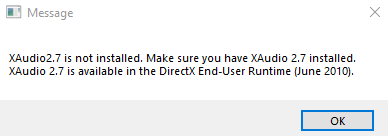
No audio?
If you're experiencing these errors, try the following steps:
- Download and run the following file: Download DirectX Redist (June 2010)
- If the issue continues after installation, please try the alternative download below. Once installed, restart your PC: Download DirectX End-User Runtime Web Installer
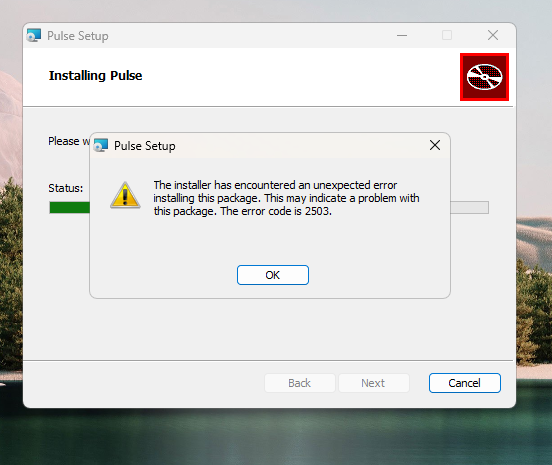
Error 2502 and 2503
Watch This video
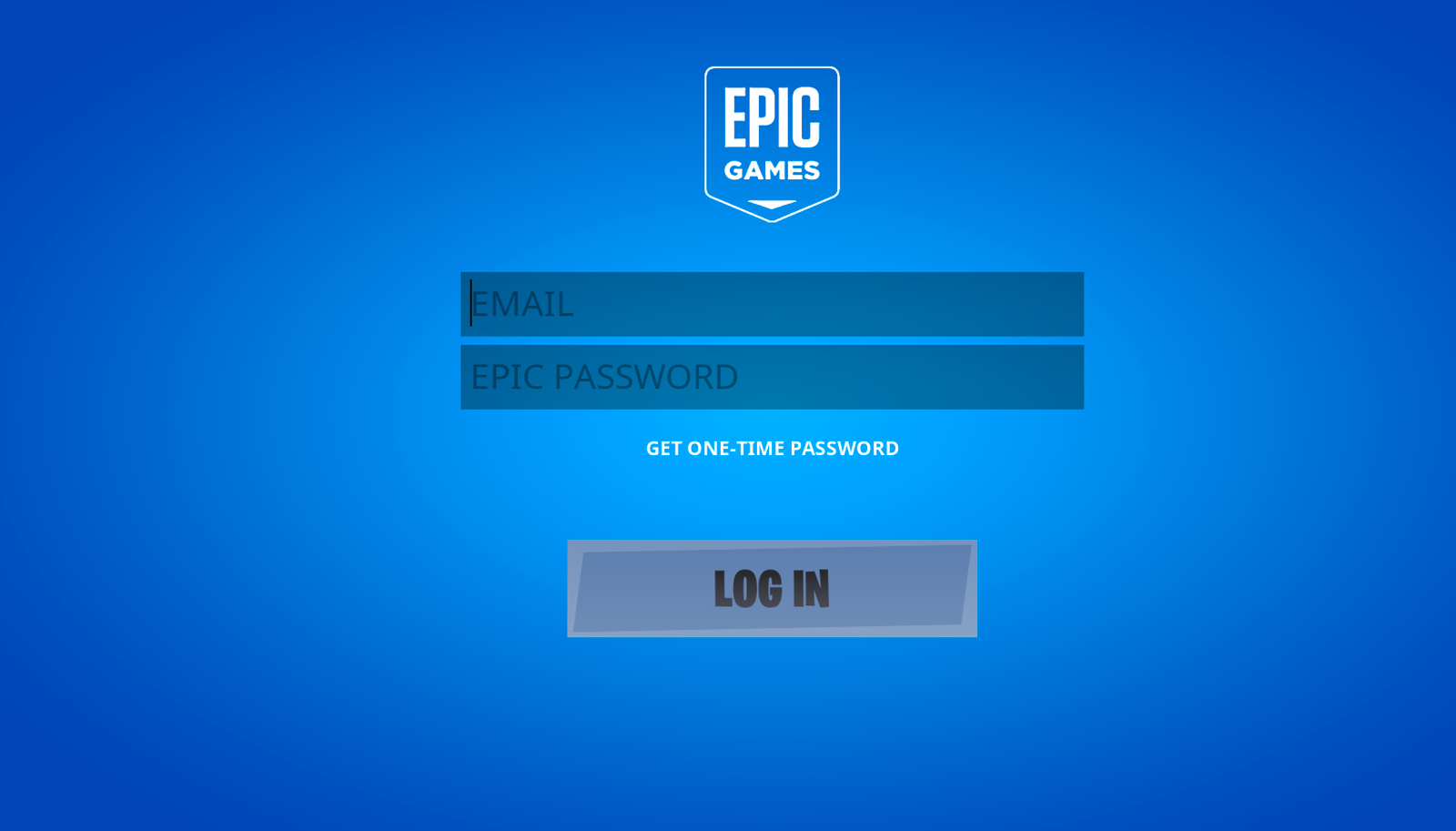
Login Screen
If your experiencing the login screen issue follow the steps below:
- Turn Off Real Time Protection
- Turn Off Smart App Control
- Add 10.40 build To Your Exclusion List (not needed just to make sure)
Launcher not opening
If your launcher is not opening please try the solutions below:
- Try running your launcher as administrator
- Microsoft WebView2 x64: Click here to download WebView2
- If the issue still persists try using 1.1.1.1 VPN: Click here to download Cloudflare 1.1.1.1 VPN
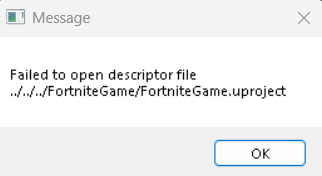
Failed to Open Descriptor File
If you are getting the failed to open descriptor file follow the steps below!
- Re Extract 10.40 (USING WINRAR)
- Re Install 10.40
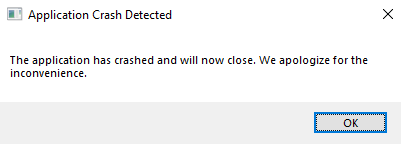
Application crash detected
If you are getting application crash detected follow the steps below:
- Click Win + R and type %localappdata%, enter, find "FortniteGame" folder and delete it
- Re Extract 10.40 With Win Rar
- Re Install 10.40
Failed to get a launch code
If you are getting failed to get a launch code follow the steps below:
- Log out of launcher in settings
- Log back in and try again
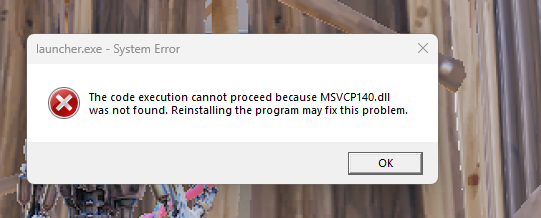
MSVCP140.dll was not found
If you are getting MSVCP140.dll was not found follow the steps below:
- Download and install the Microsoft Visual C++ Redistributable packages: Download Here
- Restart your computer
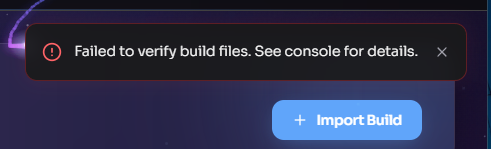
Failed to verify build files
If you are getting Failed to verify build files follow the steps below:
- Reinstall Build (10.40)
- Verify files in launcher
dns lookup failed
If you are getting dns lookup failed follow the steps below:
- make sure you don't have Exitlag installed, if you do uninstall it
- make sure nothing is blocking port 53
- make sure to restart your computer
Unable to buy battle pass levels
If you are Unable to buy battle pass levels follow the steps below:
- Go To the launcher
- Go to the third tab down / Quests tab
- buy your levels, and your set!
If you are missing skins create a ticket in support!
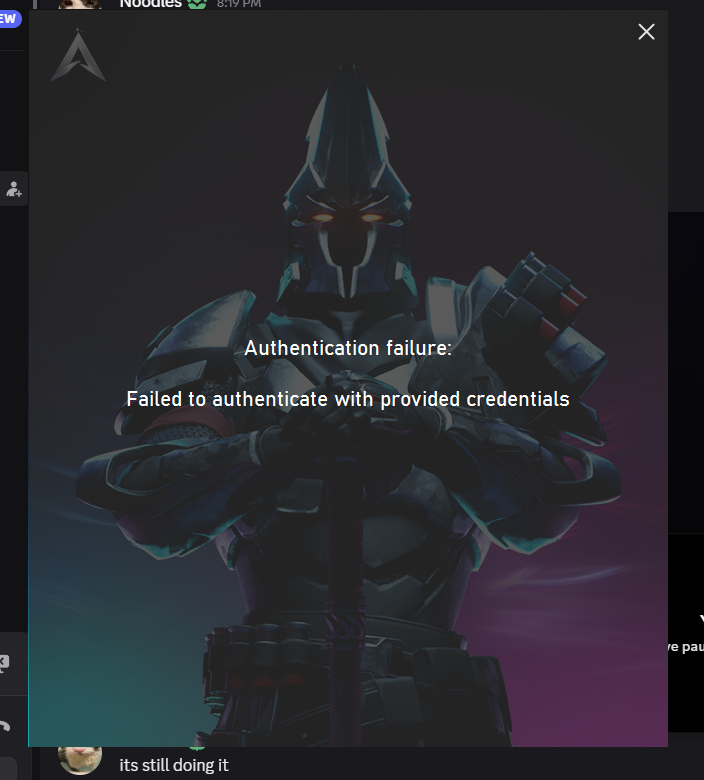
Failed to authenticate with provided credentials
If you are getting Failed to authenticate with provided credentials follow the steps below:
- Try restarting the launcher
- If the issue persists, contact support
Doesn't launch the build
Please note: This is only if you are trying to launch but it shows the Lauching screen but goes away after a few seconds.
If this issue occurs to you. Please follow the steps below:
- Download Cloudflare WARP: https://1.1.1.1/
- Install Cloudflare WARP
- Open Cloudflare WARP and click connect
- Once connected, try launching the build again